Personnel administration
Keep personal information organised and set access rules in advance.
See the relevant workflow →EU HR in everyday work
Manage HR processes clearly, with appropriate access.
EU HR is marked as a beta. Its introduction, permissions and required processes should be reviewed before wider use.
Keep personal information organised and set access rules in advance.
See the relevant workflow →Coordinate requests and time periods across the team and check their respective processing status.
See the relevant workflow →Prepare a coordinated onboarding process. EU HR is in beta.
See the relevant workflow →Step by step
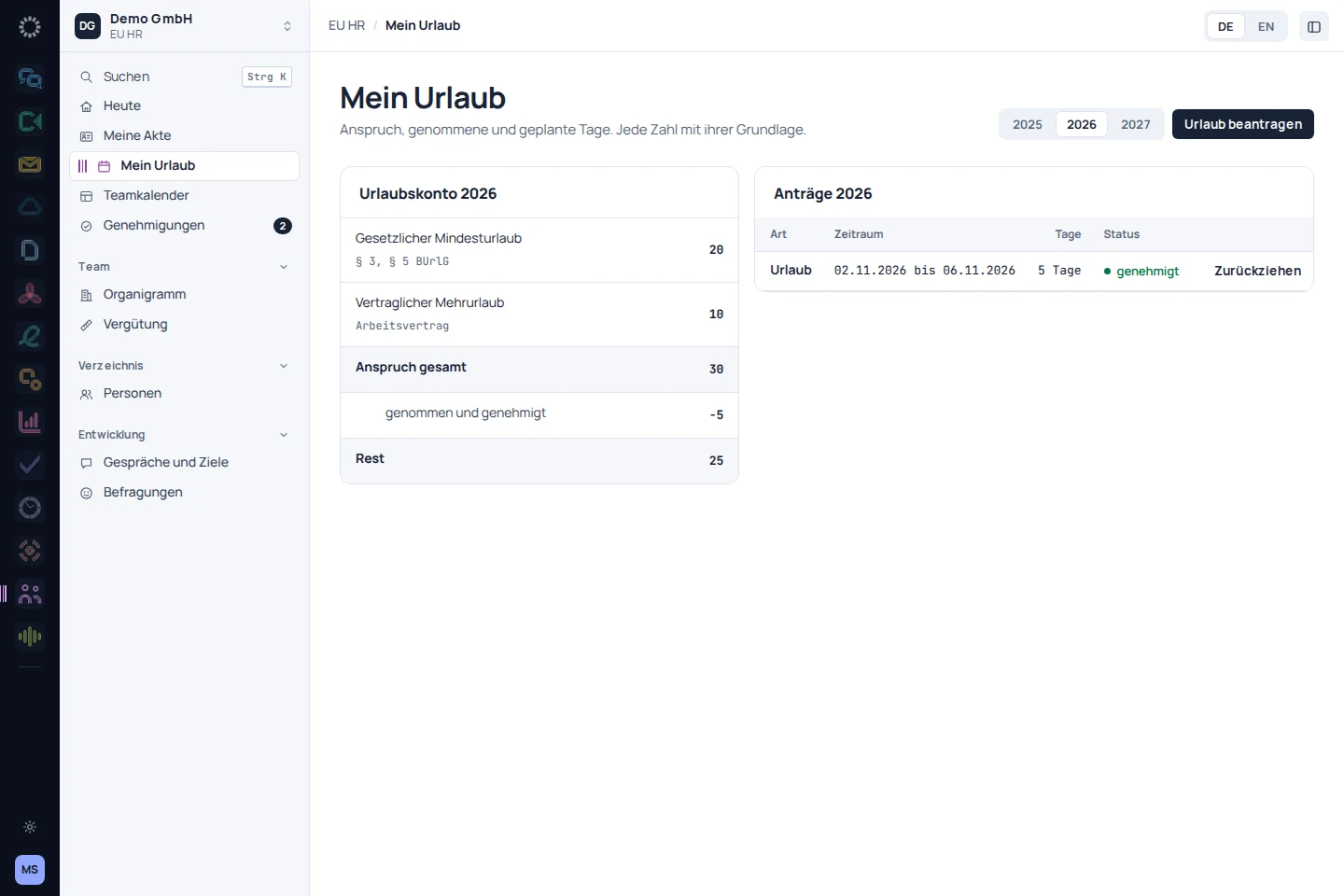
Enter the requested period and the required information.
Review the request in the context of the team and resolve any questions.
Find the processed request again in the calendar and the designated history.
Before getting started
EU HR is marked as a beta in the product catalogue. Its introduction should therefore begin with a clearly defined workflow.
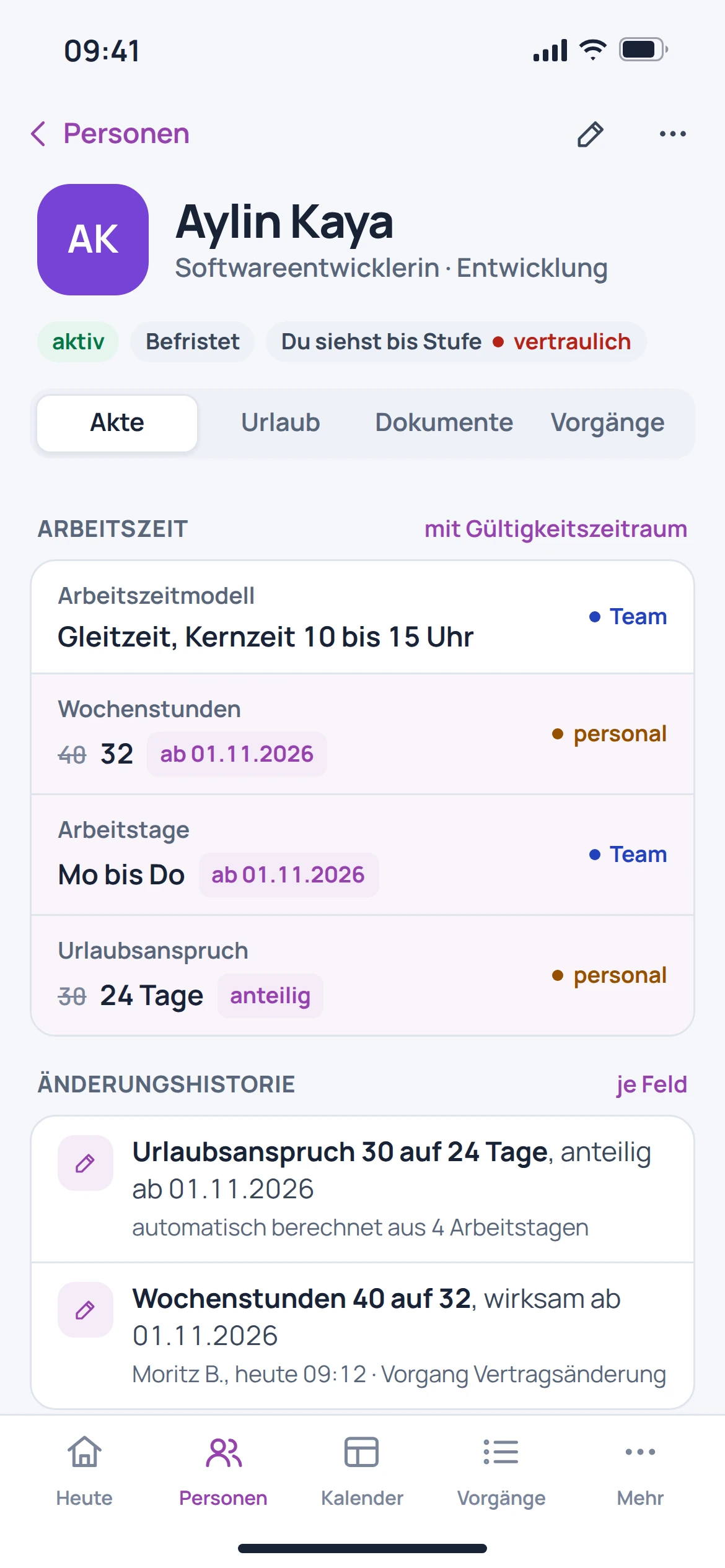
Access must be assigned according to roles and responsibilities. The catalogue-listed file includes visibility levels and a permissions view for this purpose.
This page does not promise a complete payroll service. The focus is on personnel information and the processes described.
An automatic move from another provider is in preparation. Balances should be checked separately against a reference point.